 GYM BOSS

Help Set up a rank system
Updated November 2026
Gym Boss never promotes anyone on its own — the coach always decides.
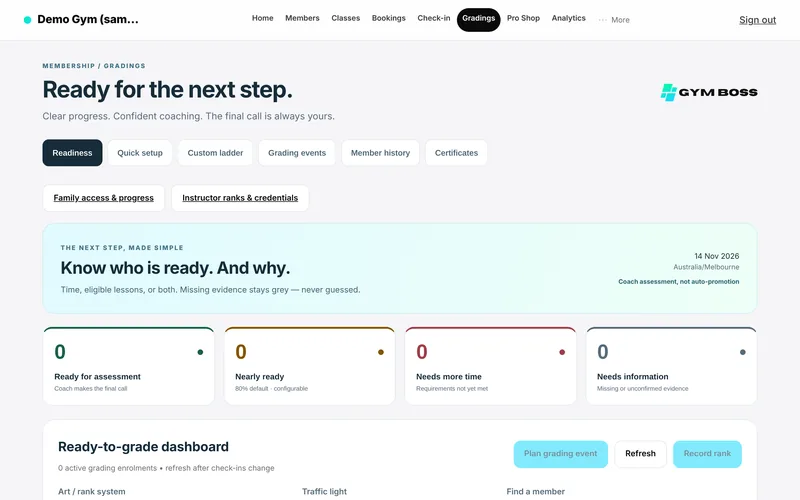
Quick setup
- Open Gradings. Only the gym owner can set this up.
- Open the Quick setup tab. You’ll see three steps: pick your arts, choose your rules, then map your classes.
- Under What do you teach?, tick the arts you run (Brazilian jiu-jitsu, Judo, Taekwondo, Karate or Muay Thai) and whether you have Juniors and Seniors tracks. You can add more later. Existing rank history always stays.
- For Taekwondo, choose World Taekwondo / Kukkiwon or ITF before you continue.
- For each track, pick the ready-made ranking that matches the association you follow. For any other association or style, use the Custom ranking tab instead.
- Under Your academy rules, choose how your academy grades: Time only, Attendance only, or Time + attendance, and set the minimum months and/or eligible lessons. These are your academy rules — they never replace a cited minimum age or belt waiting period.
- Under Only count the right classes, tick the eligible class types for each track. Nothing is inferred from class names.
- Tap Add N grading systems (the button label shows how many you’re adding).
A gym award is not federation registration or an official federation diploma. Ready-made systems name their source; Gym Boss is not affiliated with or endorsed by those organisations.
If you need a ranking that isn’t in Quick setup, open Custom ranking, build your ranks, and tap Save academy ranking.
Ready-made rankings are available for Brazilian jiu-jitsu, Judo, Taekwondo, Karate and Muay Thai. MMA, Boxing, Krav Maga, Wrestling and Muay Thai also have an editable Gym Boss best-practice ranking (a Gym Boss guide, not an official federation system). Any other art uses Custom ranking.
Changing a ranking after setup
Federation-structured rankings (the ready-made association packs) stay locked after you set them up — they are not edited in place. If the gym needs a different structure, the owner uses Start a new ranking. The current ranking is archived and becomes read-only; history is kept. You can optionally map members across to the new ranking. Custom ranks (and labelled school templates) can still be edited in place, as long as you keep every rank that members currently hold.
Related articles
Still stuck? Email hello@gymsoftware.io and tell us which screen you were on. We usually reply in a few hours.