Two jiu-jitsu students in white gis training on grey mats while two others watch from the side

Features

Everything your gym runs on.

Members, timetable, check-in, self check-in kiosk, waivers, bookings, Pro Shop, analytics, leads, rank tracking and the trial form are ready to use. The member app is Now Testing.

Member tapping a phone on a contactless terminal at a timber counter, with a staff member seated to the side (illustrative concept, not a real venue or customers)

Membership payments

25 ways to get paid.

Coming soon

Let members pay your gym their way. Members will pay your gym for memberships and Pro Shop items through Stripe Connect, with the money going to your gym. Australian gyms can offer a wide range of payment methods — cards and wallets, buy now, pay later, and local methods used around the world.

Available to Australian gyms

Payment methodTypePopular in
CardsCardsPopular in All regions
Apple PayWalletsPopular in All regions
Google PayWalletsPopular in All regions
LinkWalletsPopular in All regions
MB WAYWalletsPopular in Portugal
SatispayWalletsPopular in Italy
BancontactBank redirectsPopular in Belgium
BLIKBank debitsPopular in Poland
EPSBank redirectsPopular in Austria
Afterpay/ClearpayBuy now, pay laterPopular in Australia, Canada, New Zealand, the UK and the US

Great for yearly memberships paid upfront. In Australia, amounts from A$1 to A$4,000.

KlarnaBuy now, pay laterPopular in All regions
ZipBuy now, pay laterPopular in Australia and the US

Great for yearly memberships paid upfront. In Australia, Zip Pay covers up to A$1,000, and Zip Money from A$1,000 to A$50,000.

Pay by BankReal-time paymentsPopular in Finland and the UK
PixReal-time paymentsPopular in Brazil

More payment options

Payment methodTypePopular in
AlipayWalletsPopular in China
WeChat PayWalletsPopular in China
iDEAL | WeroBank redirectsPopular in The Netherlands
Przelewy24Bank redirectsPopular in Poland
ScalapayBuy now, pay laterPopular in Spain, France, Italy, the Netherlands and Portugal
Bacs Direct DebitBank debitsPopular in The UK
BECS Direct Debit (AU)Bank debitsPopular in Australia

Good for recurring memberships. Payments usually take up to 2 business days to clear. Each gym turns this on in their own Stripe account, which includes an identity check.

SEPA Direct DebitBank debitsPopular in SEPA countries in Europe
BizumReal-time paymentsPopular in Spain
PayToReal-time paymentsPopular in Australia
UPIReal-time paymentsPopular in India

Members see the options that suit their country and payment type. Buy now, pay later suits one-off payments like yearly memberships.

Line of jiu-jitsu students in white gis wearing coloured belts, standing barefoot on mats, seen from behind

Martial arts

Rank tracking by art and age group.

Set up each art you teach, pick the grading system you follow, and Gym Boss tracks every student against it. Juniors and seniors get their own ranks, and a simple traffic light shows who’s ready for their next grading. The coach always decides. Gym Boss never promotes anyone on its own.

Pick the grading system your club follows. The gym owner chooses which one to use, and can add a custom ranking alongside at any time. Existing rank history is always kept.

Jiu-jitsu practitioner in a white gi sitting on the mats

Brazilian jiu-jitsu

  • IBJJFJunior ranks with the in-between belts, and 16-and-over ranks from white to black and the red belts. Black-belt degrees are included. The usual minimum age for black is 19; red belts are manual steps

Two judoka in white and blue judogi grappling on the tatami at a competition

Judo

  • IJFColoured-belt guide for juniors, kyu and dan checks for seniors (1st to 5th dan)
  • Judo AustraliaJunior and senior kyu ranks, as an optional pathway
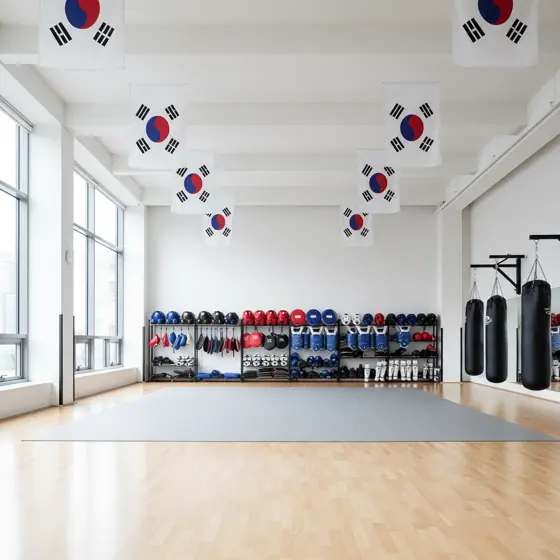
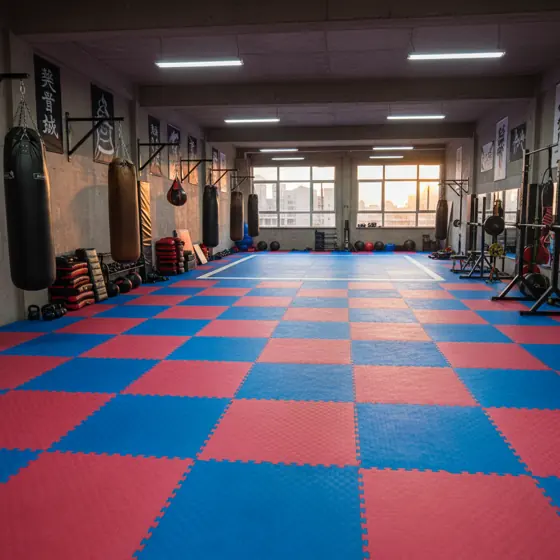
Taekwondo hall with blue and red mats

Taekwondo

  • World Taekwondo / KukkiwonGup ranks you can edit, poom for juniors and the dan pathway, with the required poomsae for poom and dan
  • ITF (itftkd.sport)Ten gup then nine dan for juniors and seniors, with the standard pattern order
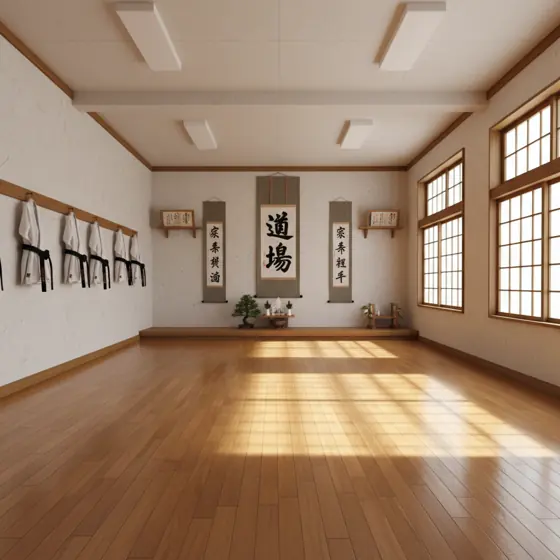
Karate dojo with wooden floor

Karate

  • Shotokan (JKA)Junior and senior kyu and dan ranks
  • Kyokushin (IKO Kyokushinkaikan)Junior kyu ranks for 12 and under (no dan), and senior kyu and dan ranks
  • Goju-ryu (AOGKF)Junior ranks for 12–15 and senior ranks for 18+
  • WIKF NI Wado RyuJunior and senior kyu ranks
  • WKFSeparate dan recognition reference
  • Custom rankingFor other styles and associations
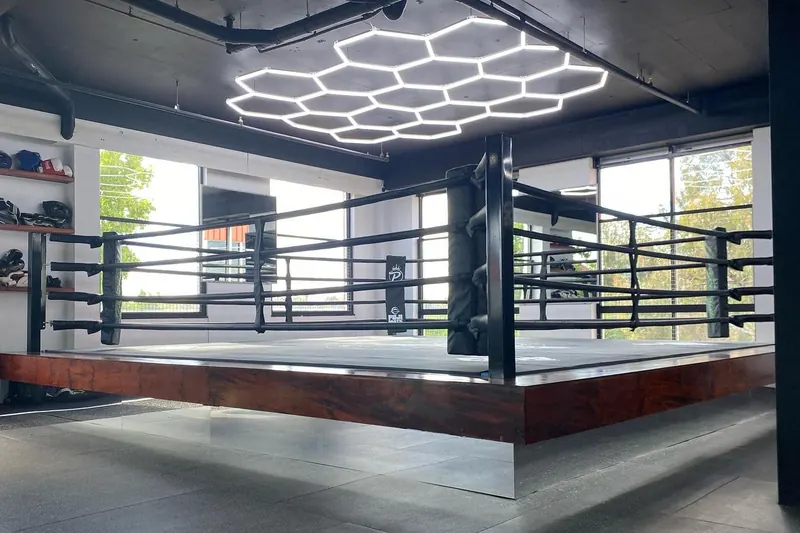
Boxing ring with ropes under a hexagon ceiling light

Boxing

  • Custom rankingSet up your own ranks
Muay Thai fighter striking a bag

Muay Thai

  • IFMAKhan 1 to 10 student ranks, with the mongkhon colours
  • Custom rankingSet up your own ranks
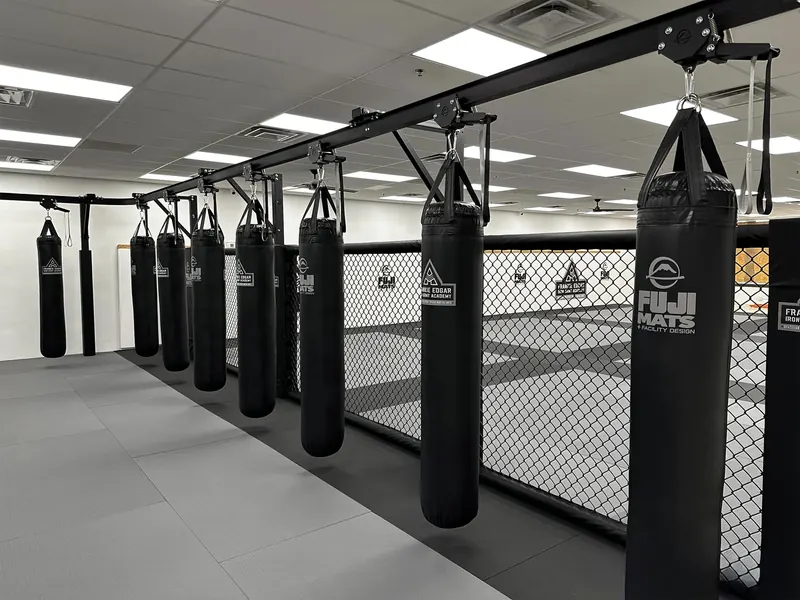
Row of black heavy bags beside an MMA cage in a bright training room

MMA

  • Custom rankingSet up your own ranks
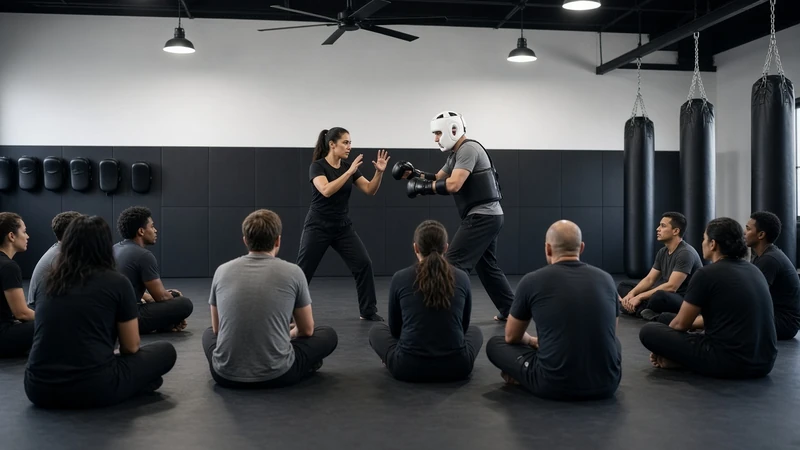
Krav Maga class watching a self-defence demo

Krav Maga

  • Custom rankingSet up your own ranks
Two wrestlers locked in a tight clinch

Wrestling

  • Custom rankingSet up your own ranks
Empty martial arts mat room

Any other art

  • Custom rankingName your art, set your belts, ages and waiting times

Ranks by age group

Separate junior and senior ranks, with prompts when a student reaches the age to move across.

Ready-to-grade lights

A traffic light shows who’s ready for assessment, nearly ready, or needs more time, based on waiting times and check-ins.

Grading days

Run a grading event, record results, and promote a whole group in one go.

Printable certificates

Certificate designs for BJJ, Judo, Taekwondo, Karate, MMA, Boxing, Muay Thai, Wrestling, Krav Maga and your own custom ranking.

Every ready-made grading shows its association and its source. Where an association doesn’t publish a minimum time or age, Gym Boss leaves it blank for you to set. A published recommendation may be stored and labelled (for example Kyokushin recommended tenure). Gym Boss is not affiliated with or endorsed by any of these organisations. The templates are a local aid for tracking your students, not federation registration. You review and set the final rules for your club.

Don’t see your style or organisation? Build your own custom ranking in a few minutes.

Group jiu-jitsu class on grey and red mats with a coach standing among students in blue and white gis

Members

Everyone in one place.

Keep your whole membership in one list that is quick to search and easy to keep tidy.
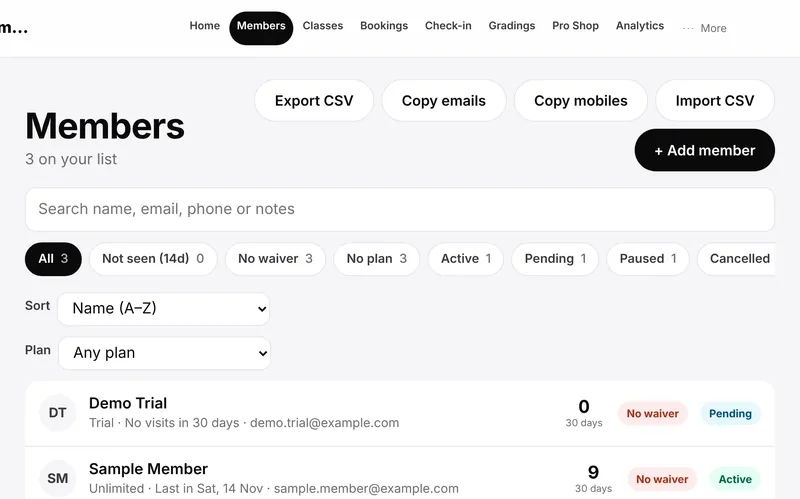
  • Member profiles with contact details, status (active, pending, paused or cancelled), membership type, emergency contact and notes
  • Junior members as well as adults
  • Search, filters and “not seen lately” views to spot members who have drifted away
  • Import your existing list from a spreadsheet (CSV) with a preview before anything is saved, and export it any time
  • Recent attendance on every member record
Gym Boss Members screen showing a searchable member list with status and waiver tags (sample data)
Members in a yoga and pilates class on grey mats, one in the foreground in a kneeling stretch with a class behind (real photo from Pat’s Drive)

Timetable and classes

Your timetable. Always live.

Set your classes once. Put the timetable on your own website and it keeps itself up to date.
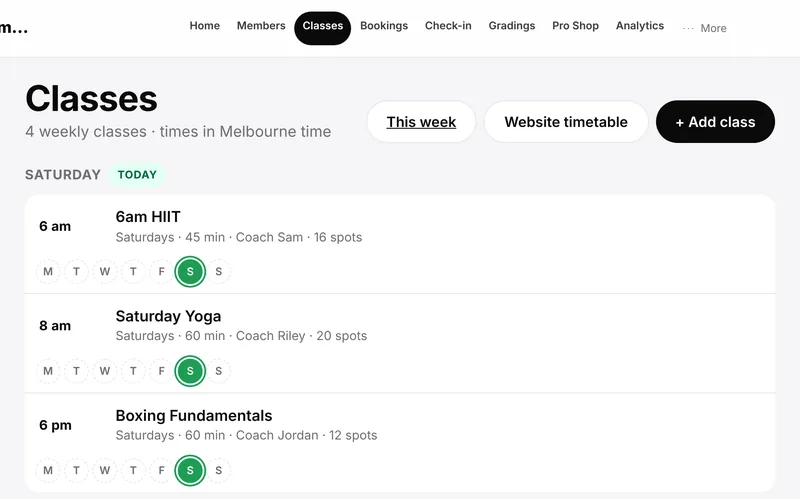
  • Weekly classes with coach, length and capacity
  • Skip a single session without touching the rest of the week
  • Public holiday closures you control
  • A live timetable you embed on your website with one snippet. Changes show up on their own
  • Week and month views for you and your team
Gym Boss Classes screen showing a weekly timetable with coaches and spots (sample data)
Member holding up his phone to a front-desk access reader in a gym with racks and treadmills behind (illustrative concept, not a real venue or customers)

Check-in and attendance

Check in. Get on the mat.

Know who came to which class, without clipboards.
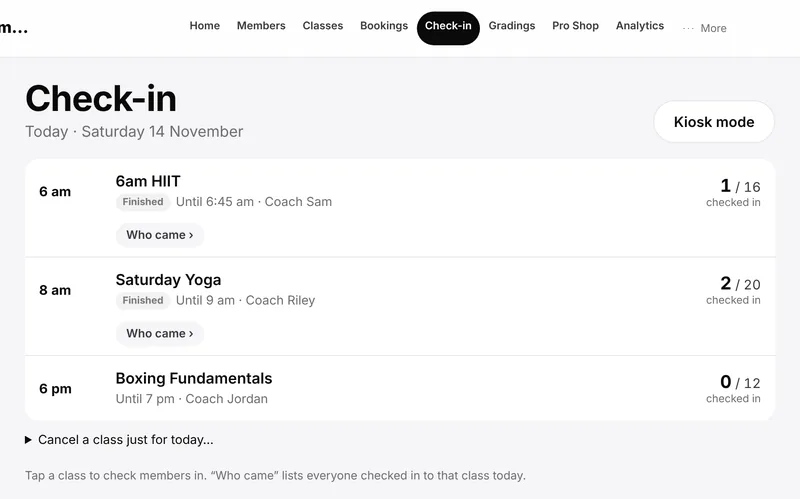
  • Check members in by name at the front desk, with undo if you tap the wrong one
  • Attendance recorded against each class, with a warning when a class is over capacity
  • Weekly and monthly attendance reports, with CSV download
  • Self check-in kiosk and personal QR passes for tablets at the door
  • Staff alerts for a missing waiver, a paused membership and similar, shown discreetly
Gym Boss Check-in screen listing today’s classes with how many members have checked in (sample data)
Man in a navy jiu-jitsu gi signing on a tablet at the edge of the mats

Digital waivers

Waivers signed. Records sorted.

New members sign online before their first class. No paper to chase or lose.
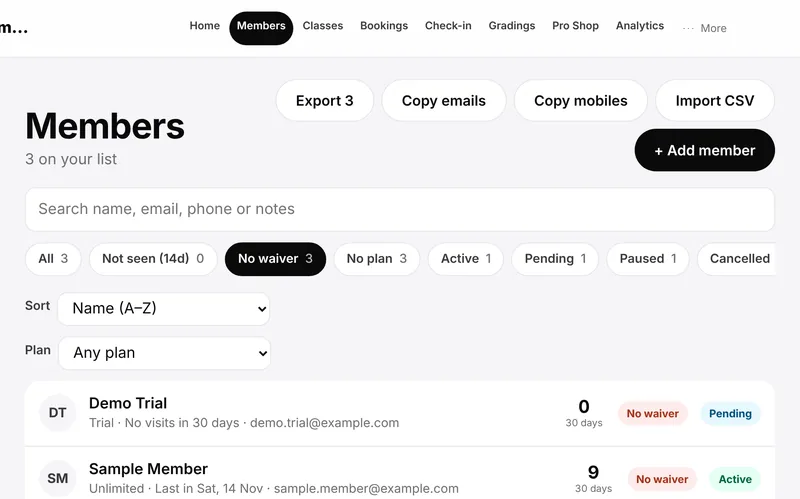
  • Sign on a phone, tablet or computer, including a drawn signature
  • Every signed waiver is kept with the member
  • Download the signed waiver as a PDF
  • See who hasn’t signed yet at a glance
Gym Boss Members screen filtered to members with no waiver on file (sample data)
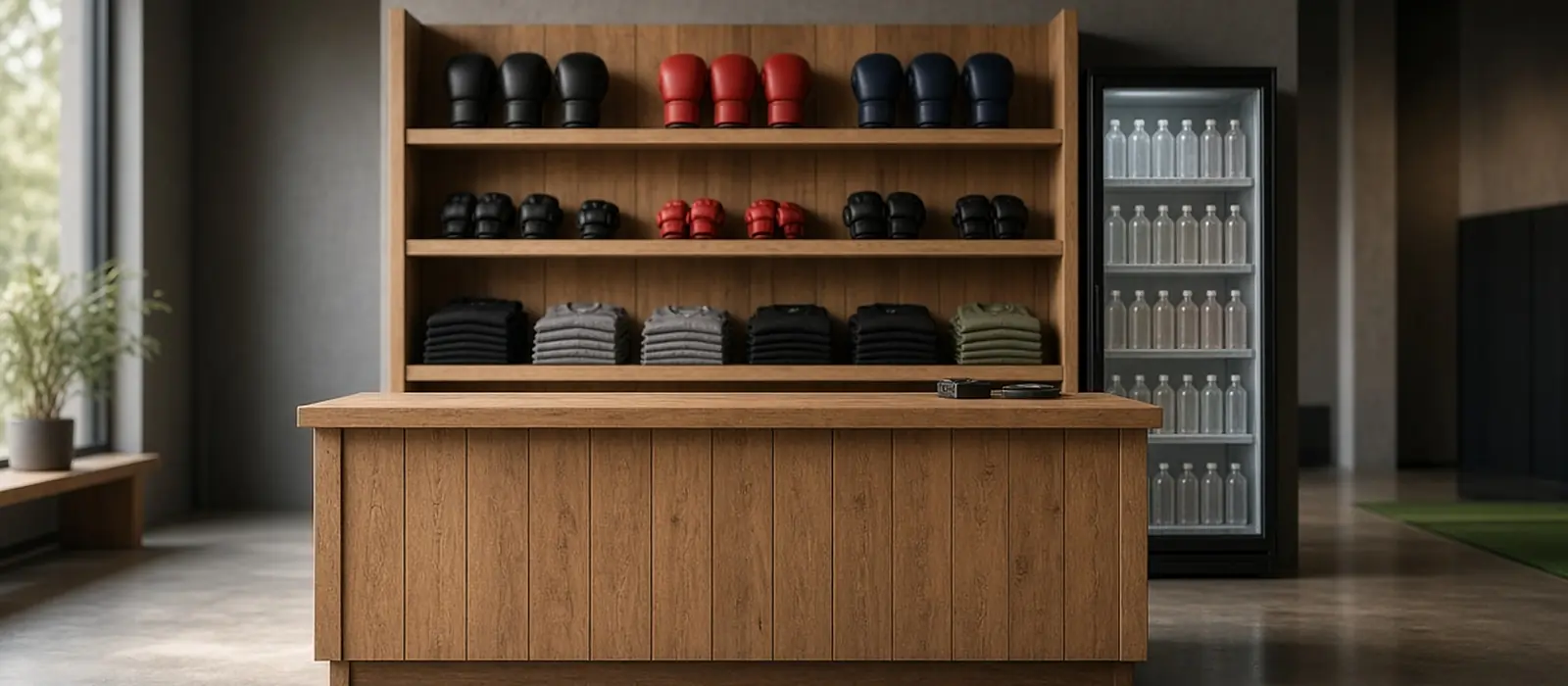
Empty timber Pro Shop counter with a wall display of gloves and folded rashguards and a drinks fridge (illustrative concept, not a real venue)

Pro Shop

Sell merchandise, gear, coffee, protein shakes or snacks.

Sell from the front-desk shelf, take quick kiosk sales, and keep a clear record of every sale.
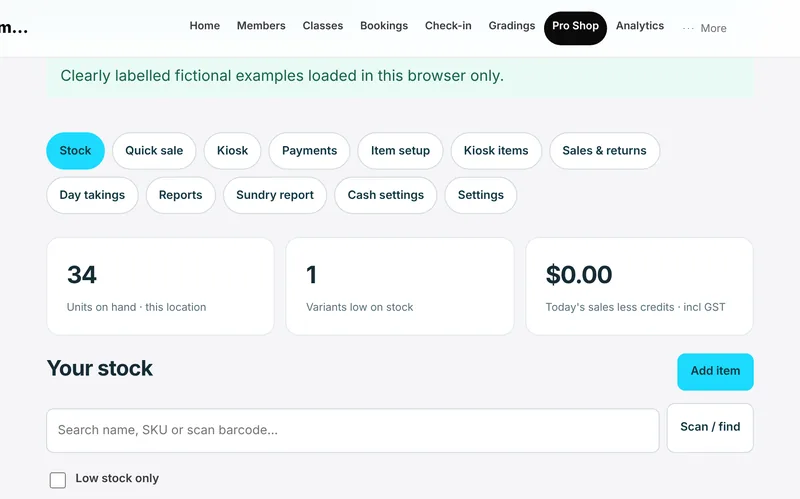
  • Products with size and colour variants, barcodes and GST settings
  • Cash and your own EFTPOS machine recorded to the member, juniors included. Charging a saved card, and card readers, are Coming soon
  • Kiosk quick-tap sales for coffee, cakes and snacks, with a downloadable sundry sales report
  • Void a sale for a mistake or a change of mind. The original stays on record with who, when and why
  • Item costs visible to owners only
  • Every sale is paid at the time. No member can run up an account balance, and no card surcharges are ever added
Gym Boss Pro Shop screen showing stock levels and the quick-sale tools (fictional example products)
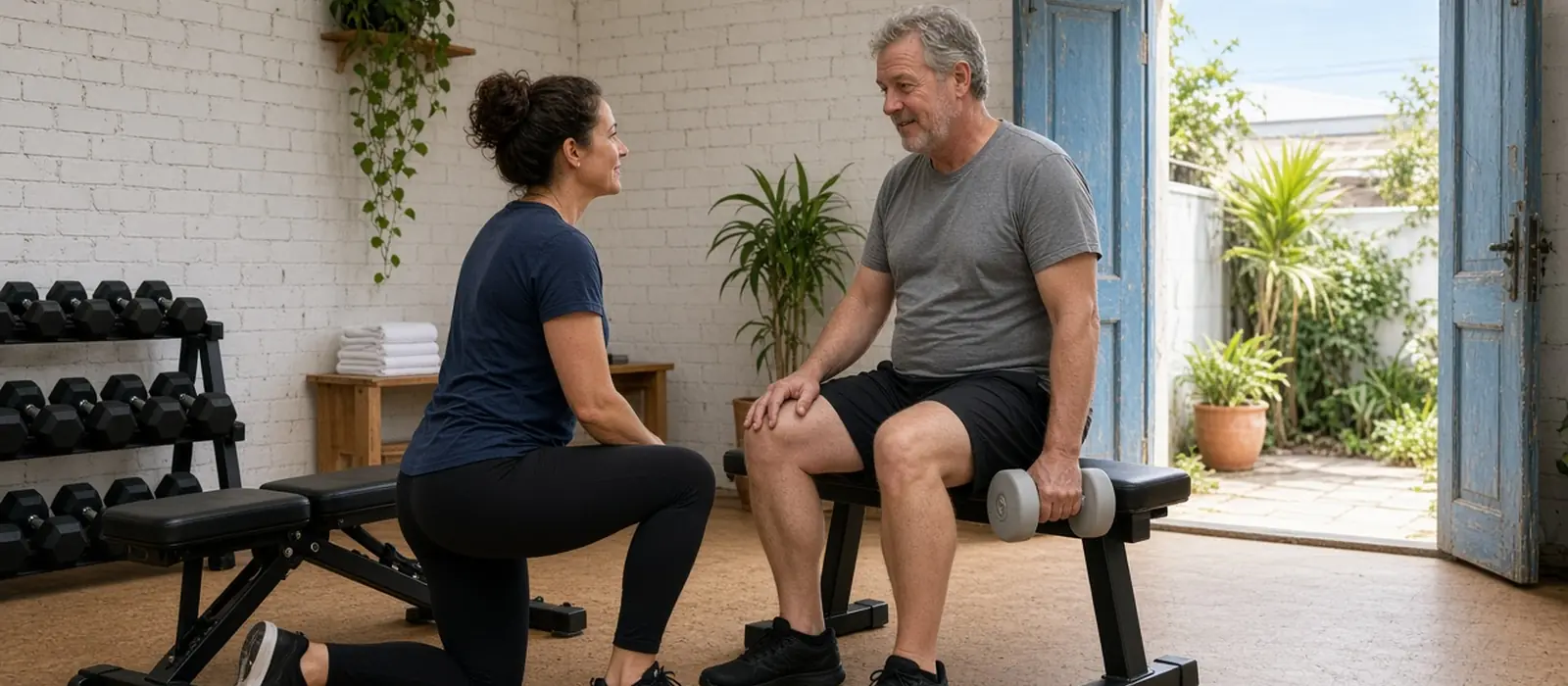
Personal trainer kneeling beside a client on a weights bench during a one-on-one session (illustrative concept, not a real venue or customers)

Private lessons and appointments

One-on-one, without the double-booking.

Book a session with a coach, personal trainer, massage therapist, osteopath, chiropractor or physiotherapist in a room that is actually free. Members can also reserve a class in the member app (Now Testing).
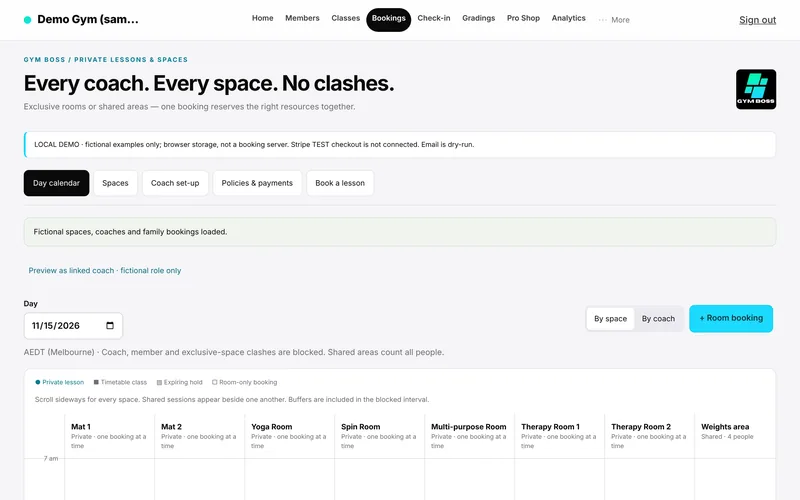

  • Owner-defined spaces such as Mat 1, a yoga room or a therapy room
  • A session holds both the practitioner and the room, so neither can be booked twice
  • Add coaches and other practitioners, each with their own availability and appointment types. Gym Boss handles the booking only; practitioners keep their own clinical records
  • Respects your timetable, holidays and skipped sessions
  • Pay at the gym, or use a session pack or credits the gym has already issued
  • Members can reserve a class in the member app. A reservation is not attendance
  • Automatic card payment for private sessions — get paid upfront, on the day or pre-purchased 1, 3, 5 or 10-pack private sessions where your members can automatically book their time slot and preferred coach Coming soon
Gym Boss private lessons calendar showing spaces and coaches (fictional examples)
Large gym floor with strength machines, racks and a green turf lane under industrial lighting

Your gym at a glance

See how the week is going.

A home screen that answers the questions you ask every morning.
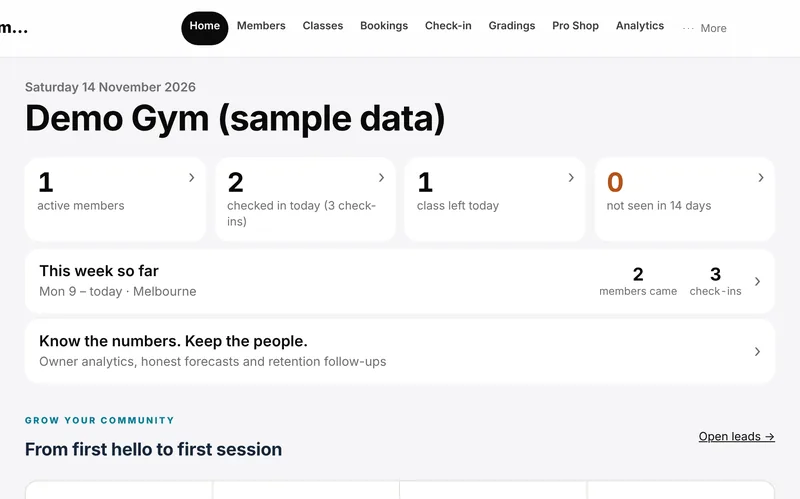
  • Today: active members, who has checked in, classes still to run, and members not seen in 14 days
  • Week and month attendance with headcount per class
  • Retention and attendance analytics
  • Run more than one location under one organisation — we have you covered with our multi-location or franchise mode. Now Testing
Gym Boss home screen showing active members, today’s check-ins and the week so far (sample data)
Bright gym floor with weight benches, racks and a few members training

Leads and trials

Welcome people before they join.

Catch every enquiry, reply fast and turn trials into members.
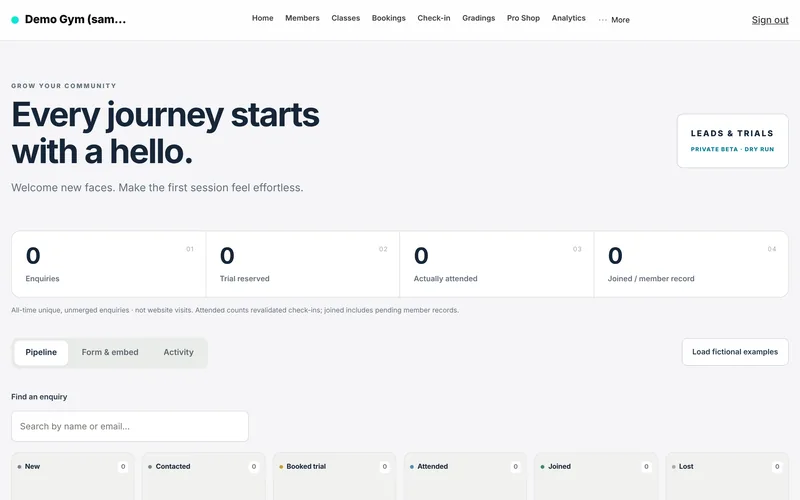
  • A trial and enquiry form for your website, and a Book a free trial button on your timetable embed
  • Add walk-in, phone and social enquiries by hand, with email and text consent recorded
  • A “contact within 5 minutes” timer and a staff alert (badge and pop-up on Leads and Home), with your desk hours and public holidays respected
  • Trial follow-up tasks, missed-trial rescue and one-step joining with a signed waiver
  • Member referrals with rewards you choose
  • Instant replies to new trial-form enquiries, in your own words, once you add a reply-to email and gym address and turn that setting on
Gym Boss Leads screen with enquiry pipeline counts (sample data)
Woman in grey activewear sitting on a gym bench looking at her phone, with dumbbell racks and windows behind (illustrative concept, not a real venue or customers)

Your members’ app

Give members a simple app.

Now Testing

An installable app for members and families, plus automatic emails to members.

  • An installable member app for members and families
  • Automatic emails to members
Gym Boss Members screen (sample data)
Gym owner at a timber desk with a laptop, coffee mug and receipt stacks (illustrative concept, not a real venue or staff)

Accounting

Send your gym’s sales to your books.

Connect Xero, or download a daily-summary file to import yourself. QuickBooks Online is Now Testing.

Gym Boss home screen showing active members, today’s check-ins and the week so far (sample data)
Coach in a dark polo working on a laptop at the front desk, with the screen angled away (illustrative concept, not a real venue or staff)

Staff and billing

Simple for you and your team.

Give staff the access they need and keep your own Gym Boss billing straightforward.
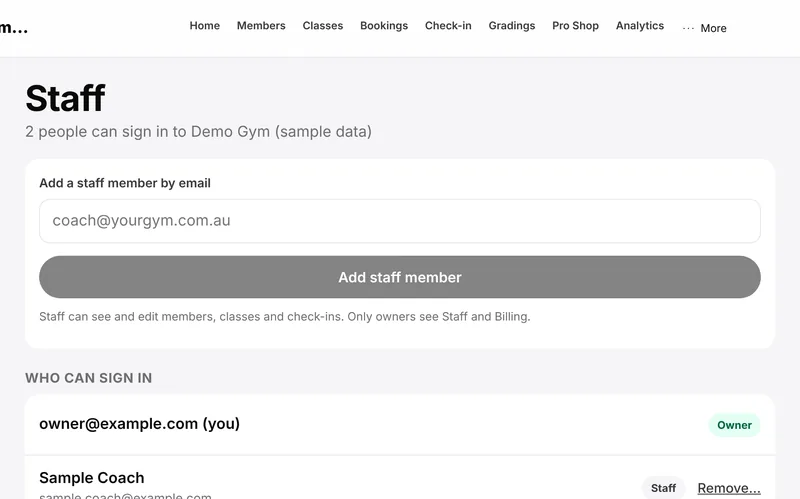
  • Owner and staff logins, with some screens for owners only
  • One flat price. A GST tax invoice for every payment
  • A 30-day free trial with no card needed
Gym Boss Staff screen listing who can sign in to the gym (sample data)

Try it with your own gym.

Set up your members and timetable, and see how it feels before you pay anything.

30 days free. No card needed. A$49.95 a month per gym after that, GST included.